How to Use the JSON Compare
How to use the free JSON Compare, step by step with a screenshot: Paste the first JSON into JSON 1 and the second into JSON 2, or click Sample Data to try it.
Loading…
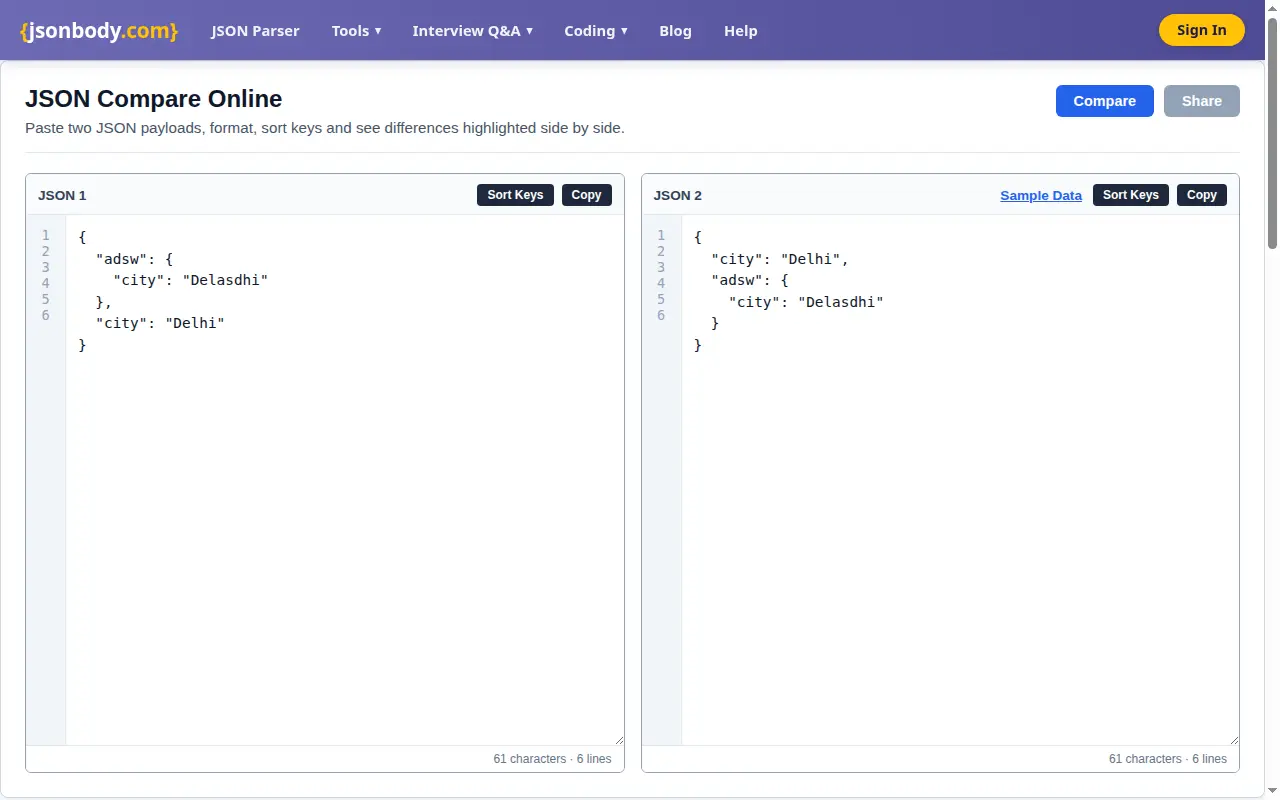
Steps
- Paste the first JSON into JSON 1 and the second into JSON 2, or click Sample Data to try it.
- Differences are highlighted side by side.
- Click Sort Keys on a pane to order its keys alphabetically, so differences in key order do not show up as changes.
- Use Copy to copy either side.
Tips
- If you see "JSONs match when keys are sorted", the data is the same and only the key order differs.