Create and Manage Groups
Create groups to organise saved JSON, delete groups you no longer need, and read the access icons. A step-by-step JSON Parser guide with screenshots.
Loading…
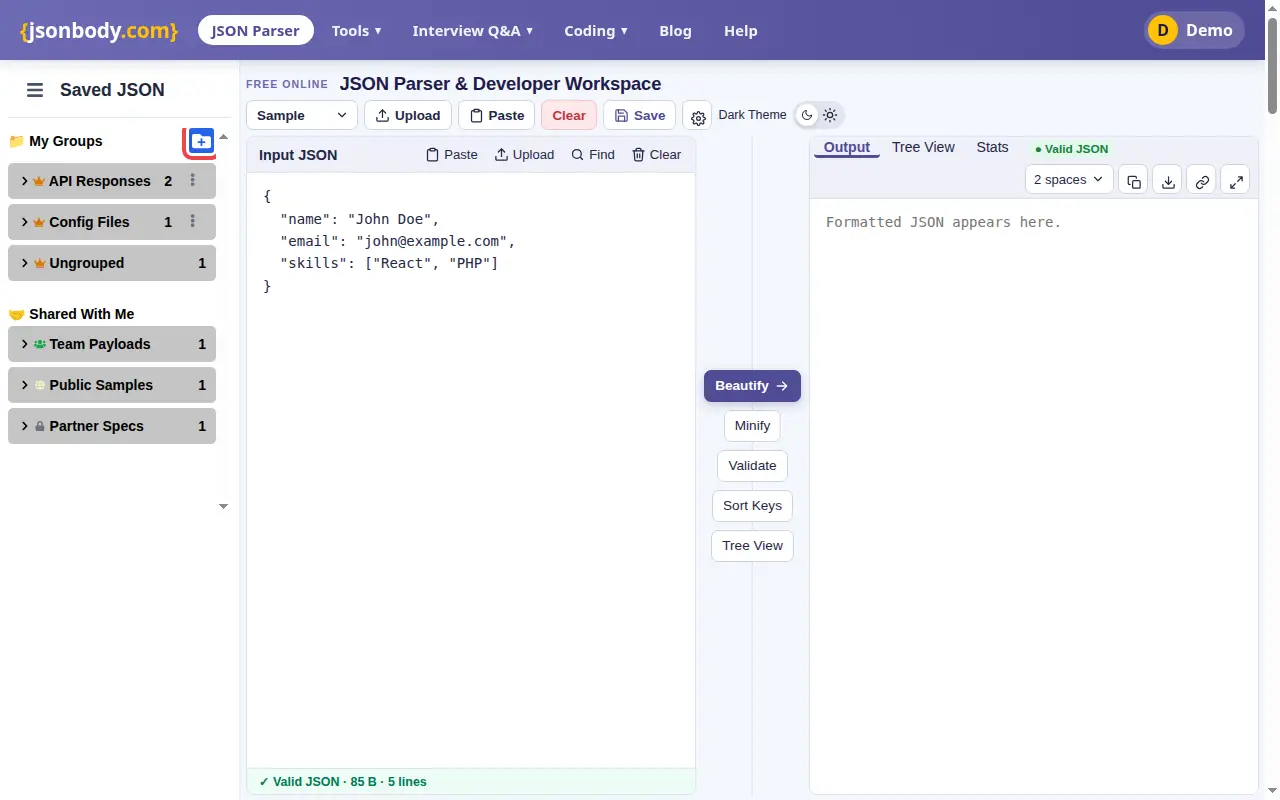
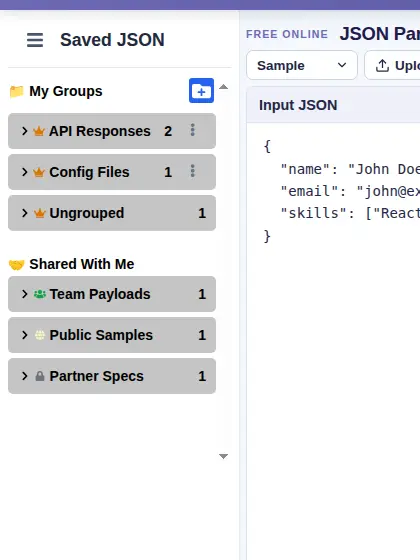
In the sidebar, under My Groups, click the folder-plus icon (Create New Group).
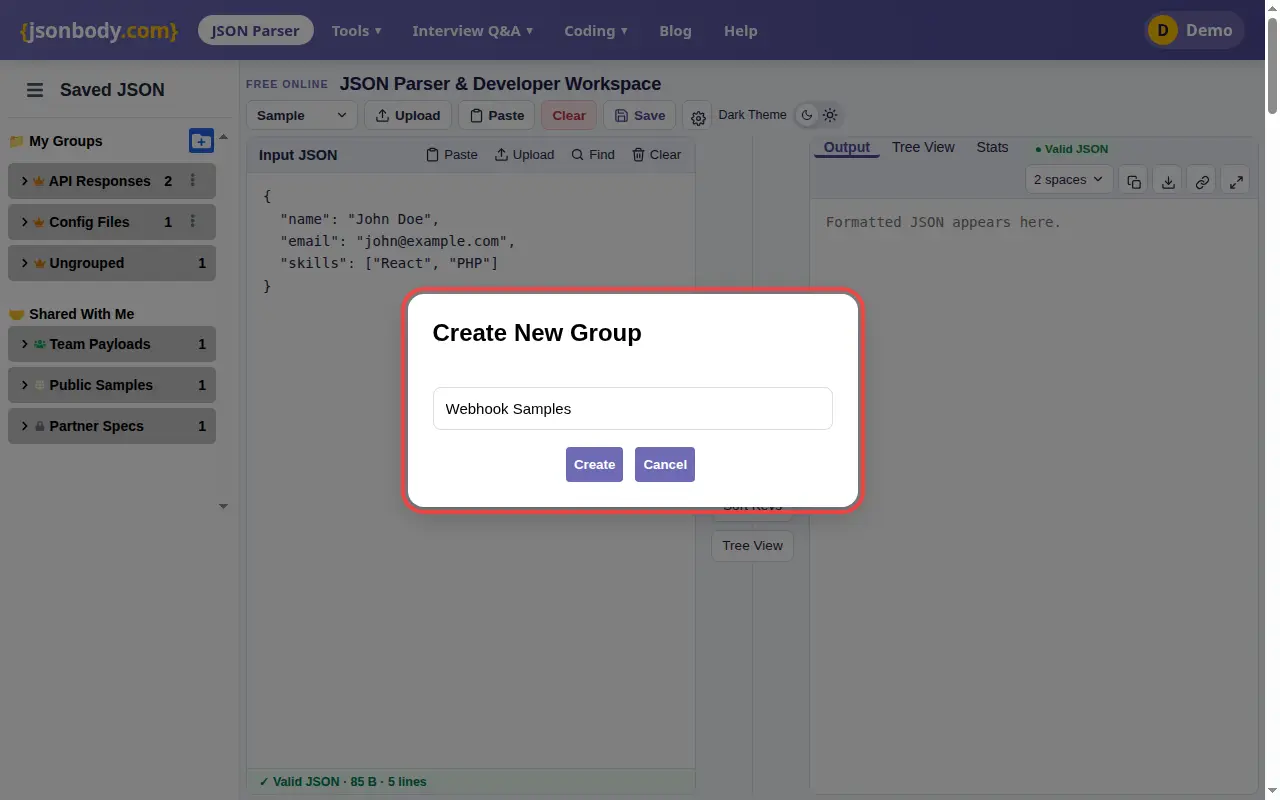
Type a group name and click Create. To add JSON to it, choose the group when you save.
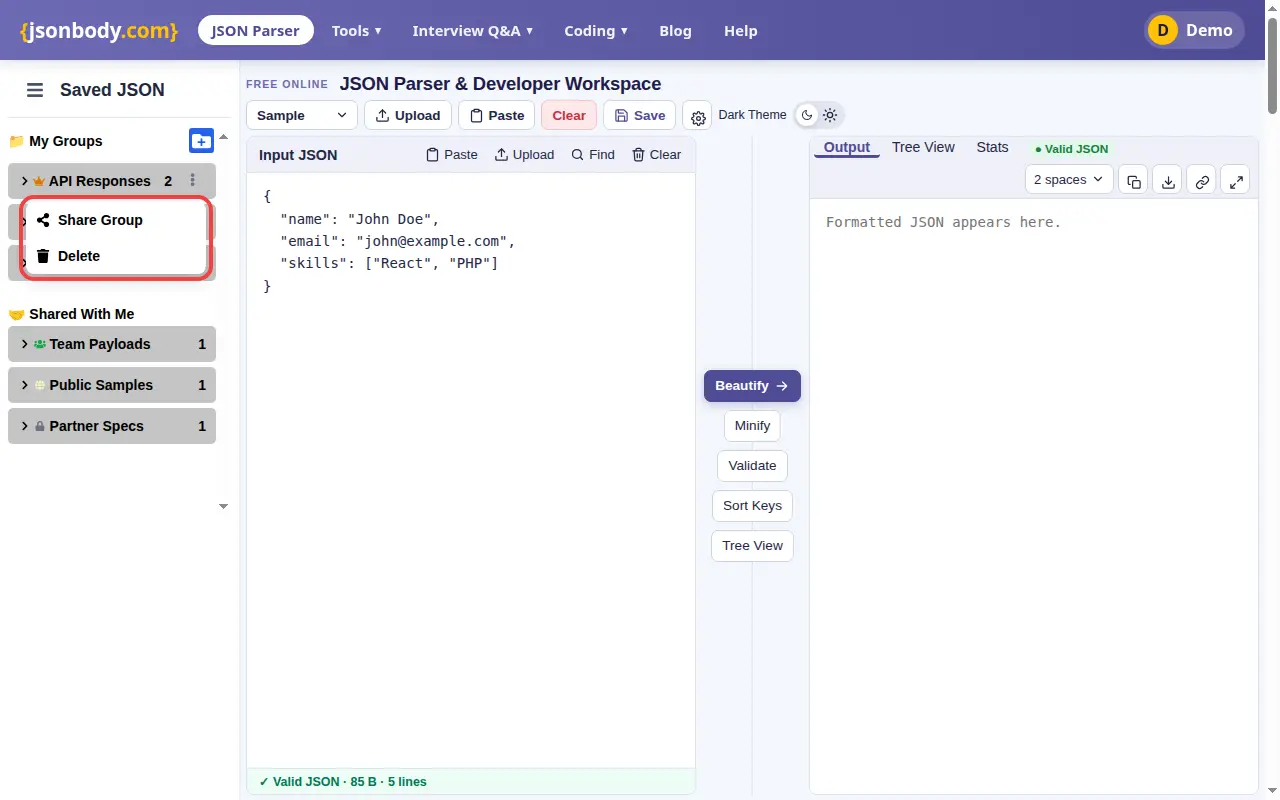
Click ⋮ beside one of your groups to Share Group or Delete it.
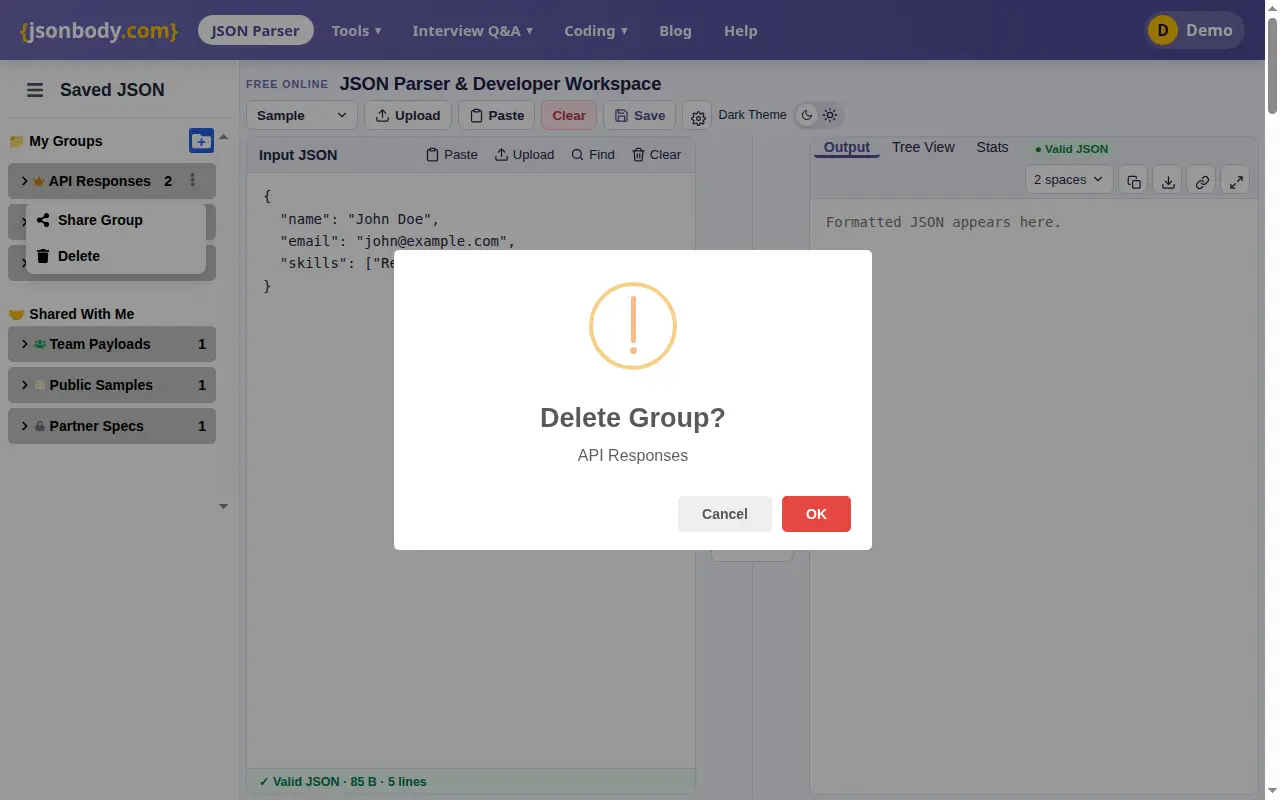
Deleting asks you to confirm first. Click OK to delete the group, or Cancel to keep it.
The icon beside each group shows your access: a crown for groups you own, a globe for Public, people for Collaborative and a lock for Private.
Good to know
- To give other people access to a whole group, see Share a group.