Share a JSON with a Link
Create a share link for one JSON, copy it, and see what people see when they open it. A step-by-step JSON Parser guide with screenshots.
Loading…
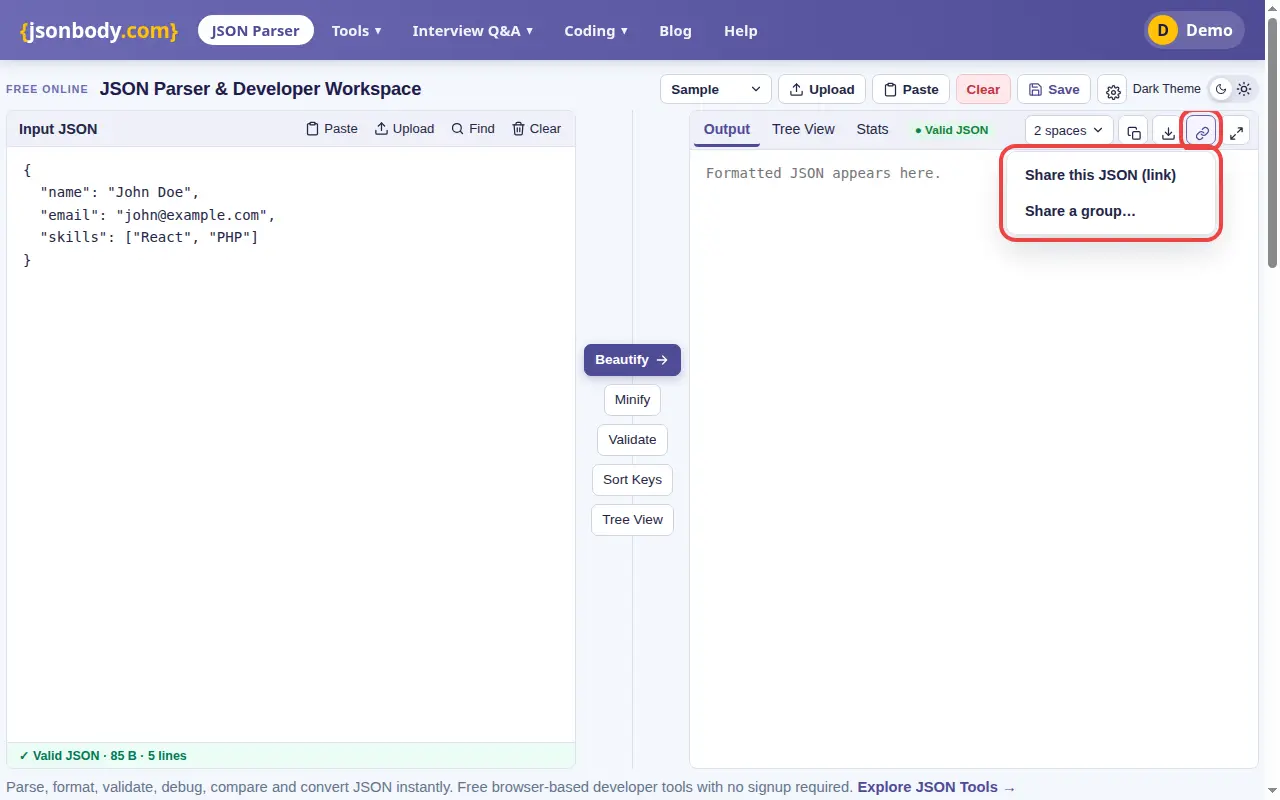
With your JSON in the editor, click the 🔗 Share icon above the output and choose Share this JSON (link). You can also click ⋮ beside a saved JSON in the sidebar and choose Share.
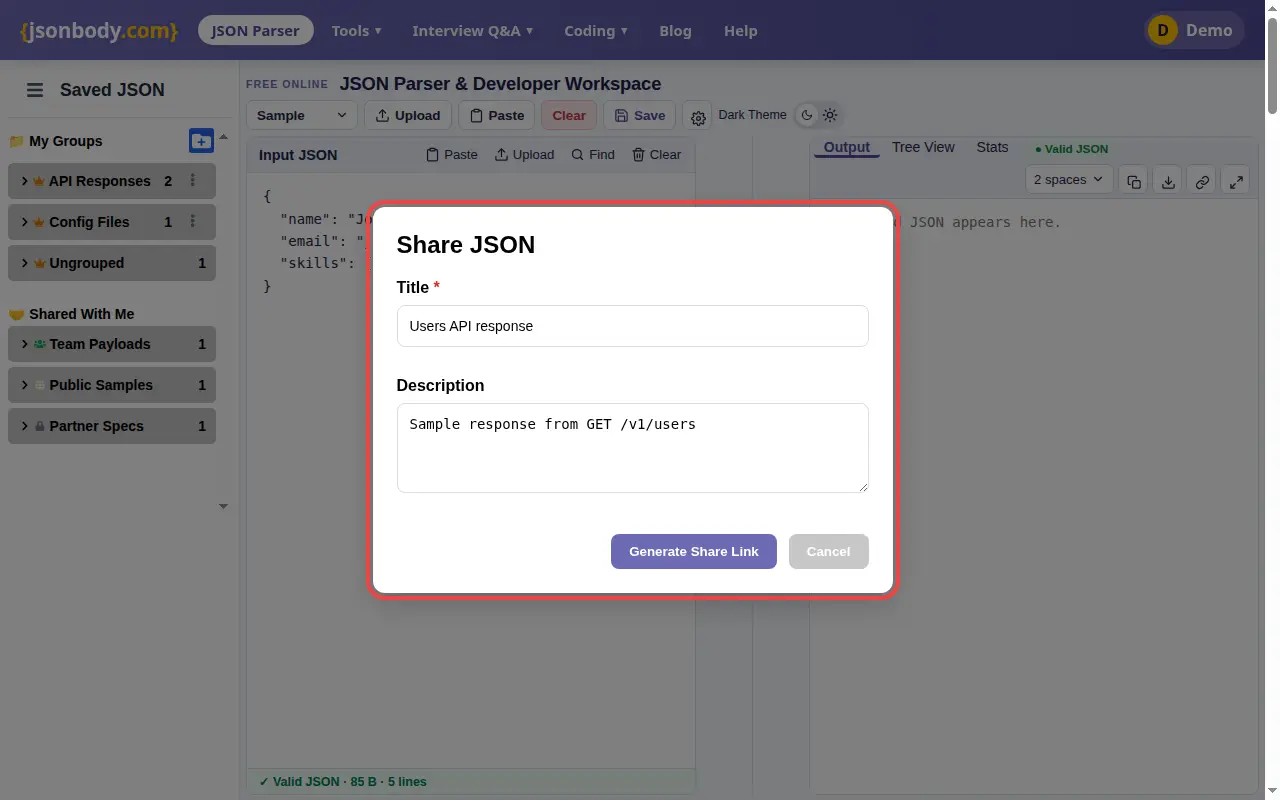
Enter a Title (required) and an optional Description, then click Generate Share Link.
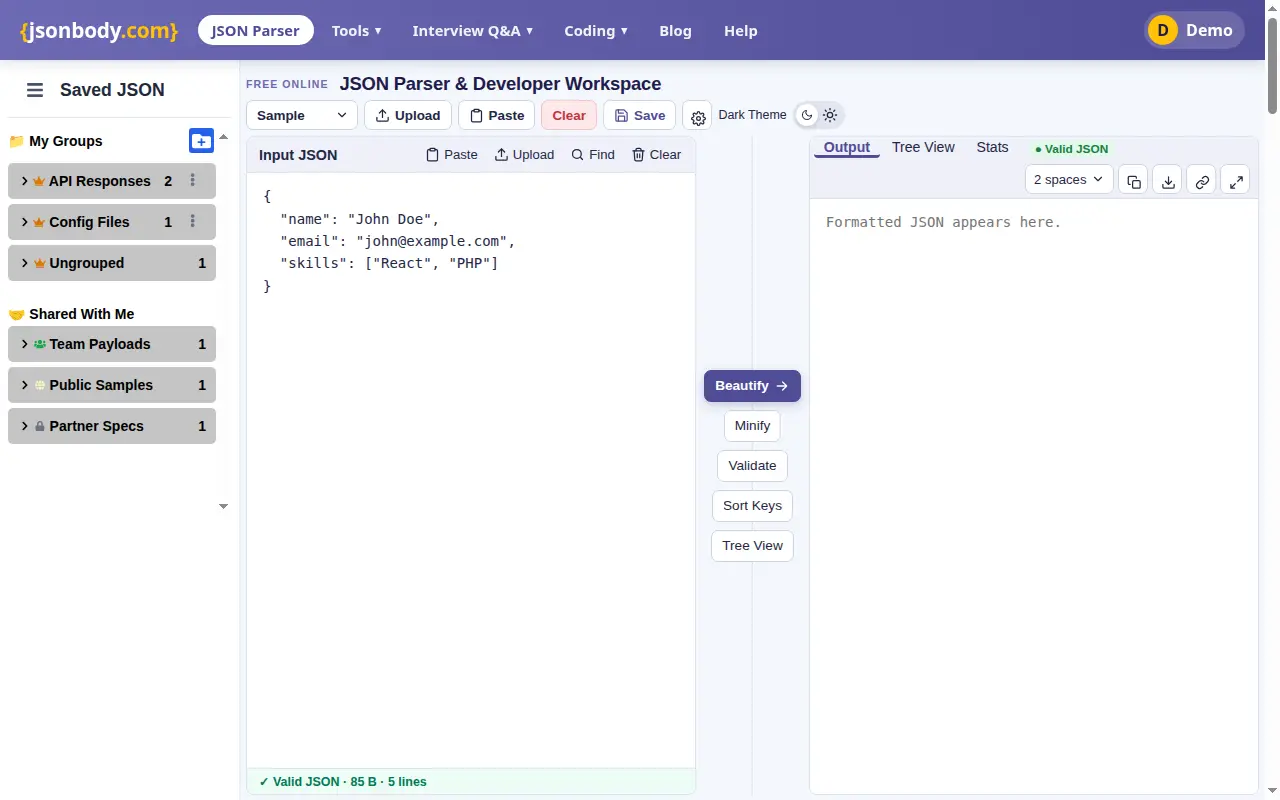
Share Link Created confirms it, and the link is already copied to your clipboard. Paste it into a chat, email or ticket.
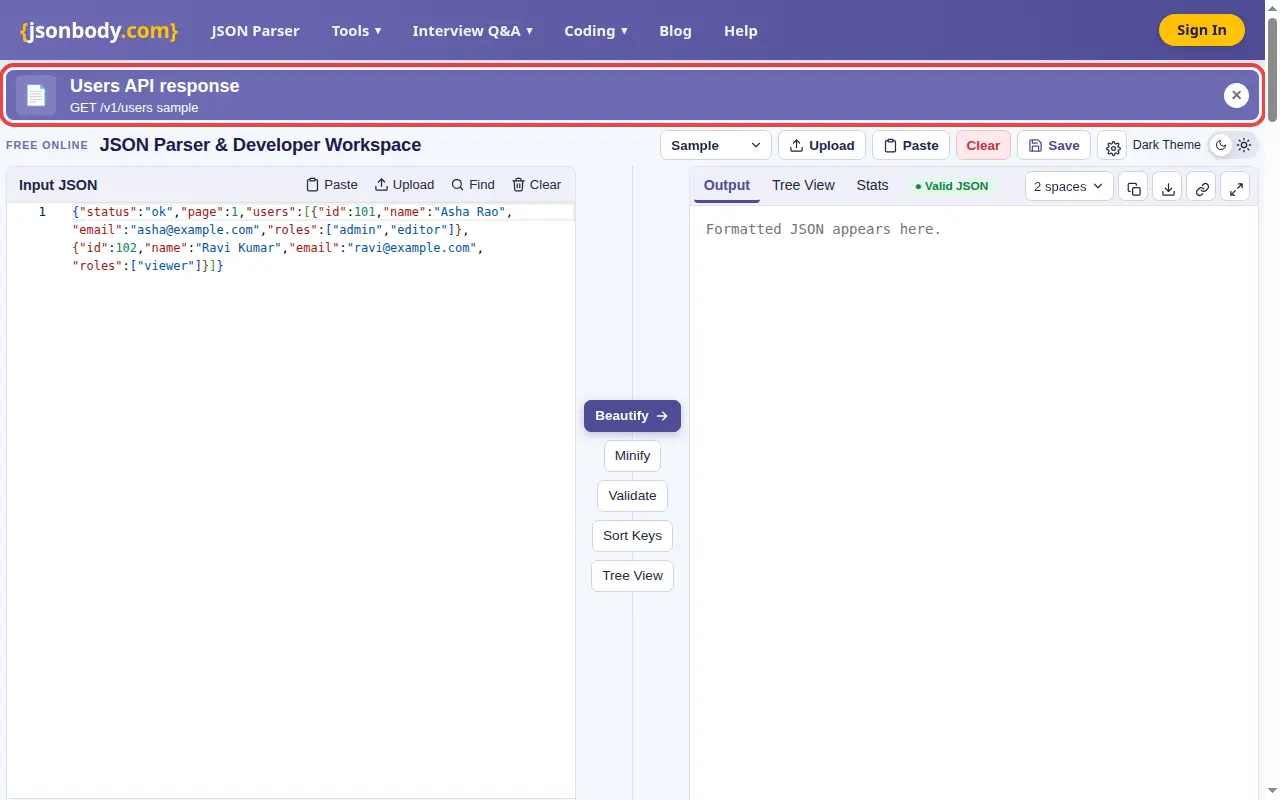
Anyone who opens the link sees the JSON in the JSON Parser, with its title and description at the top. Click ✕ to close it and start a new JSON.
Good to know
- Sharing needs a free account. If you click Share while signed out, sign in and the Share dialog opens automatically.
- To share many JSONs at once, share a group instead.