Format, Validate, Sort & Minify JSON
Paste JSON, pretty-print it, check it with the exact line of any error, sort its keys, minify it and explore it as a tree. A step-by-step JSON Parser guide...
Open the JSON Parser and paste, type or upload your JSON into the Input JSON editor. You can also pick an example from Load sample JSON.
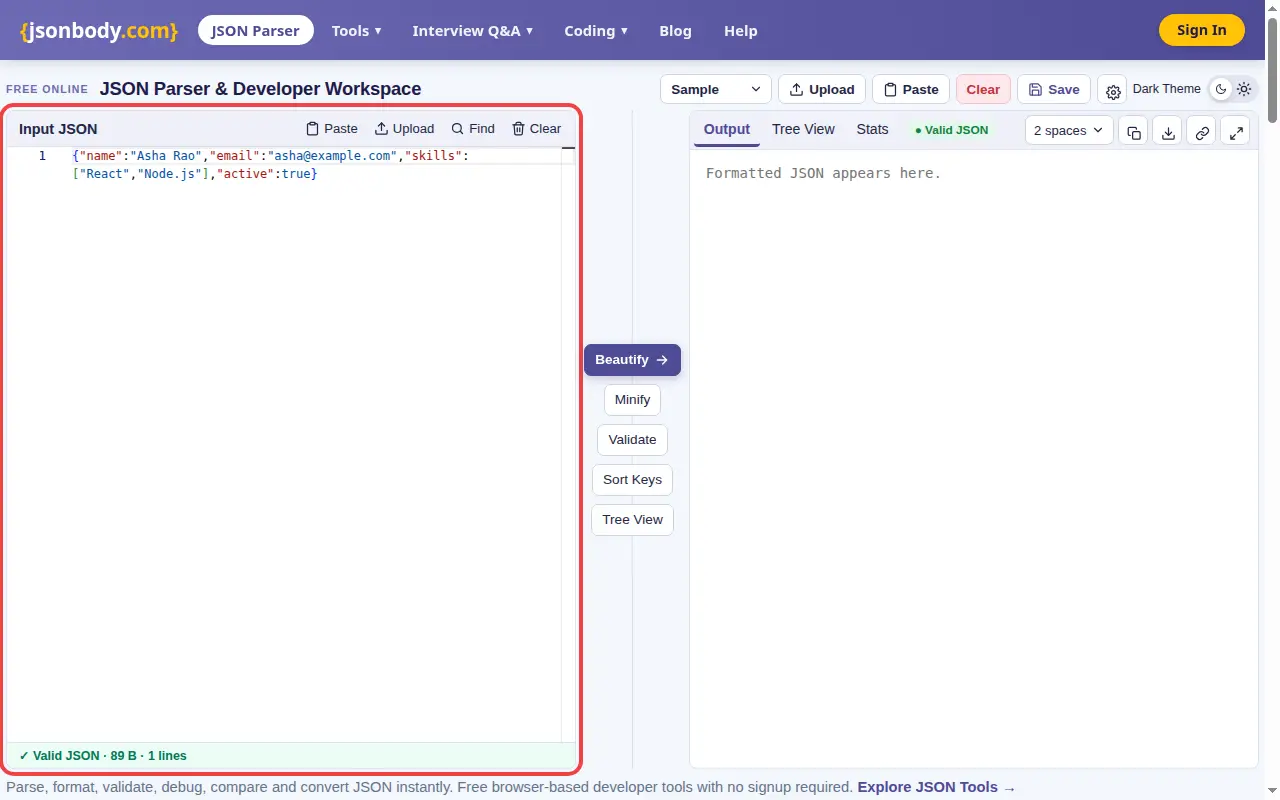
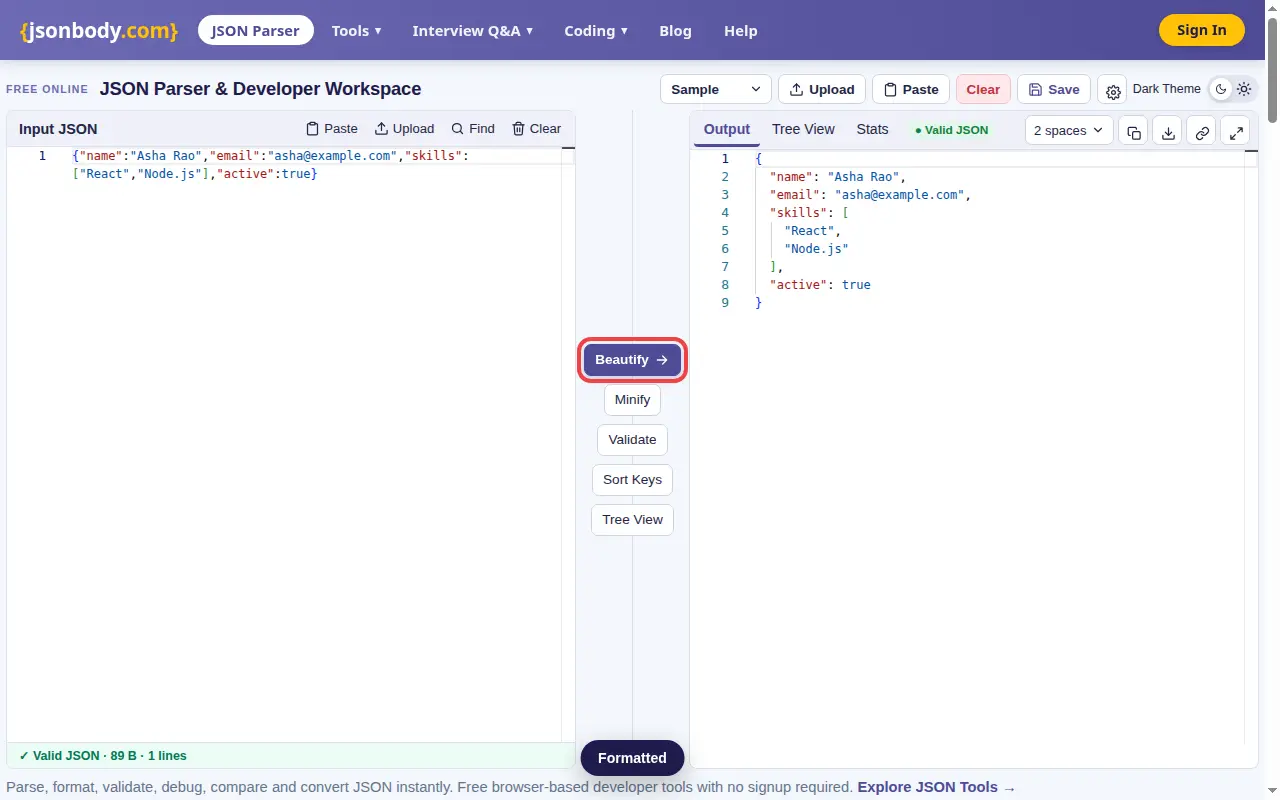
Click Beautify → in the middle column. The JSON is pretty-printed into the Output tab on the right. Choose 2 spaces, 4 spaces or tabs with the indent menu above the output.
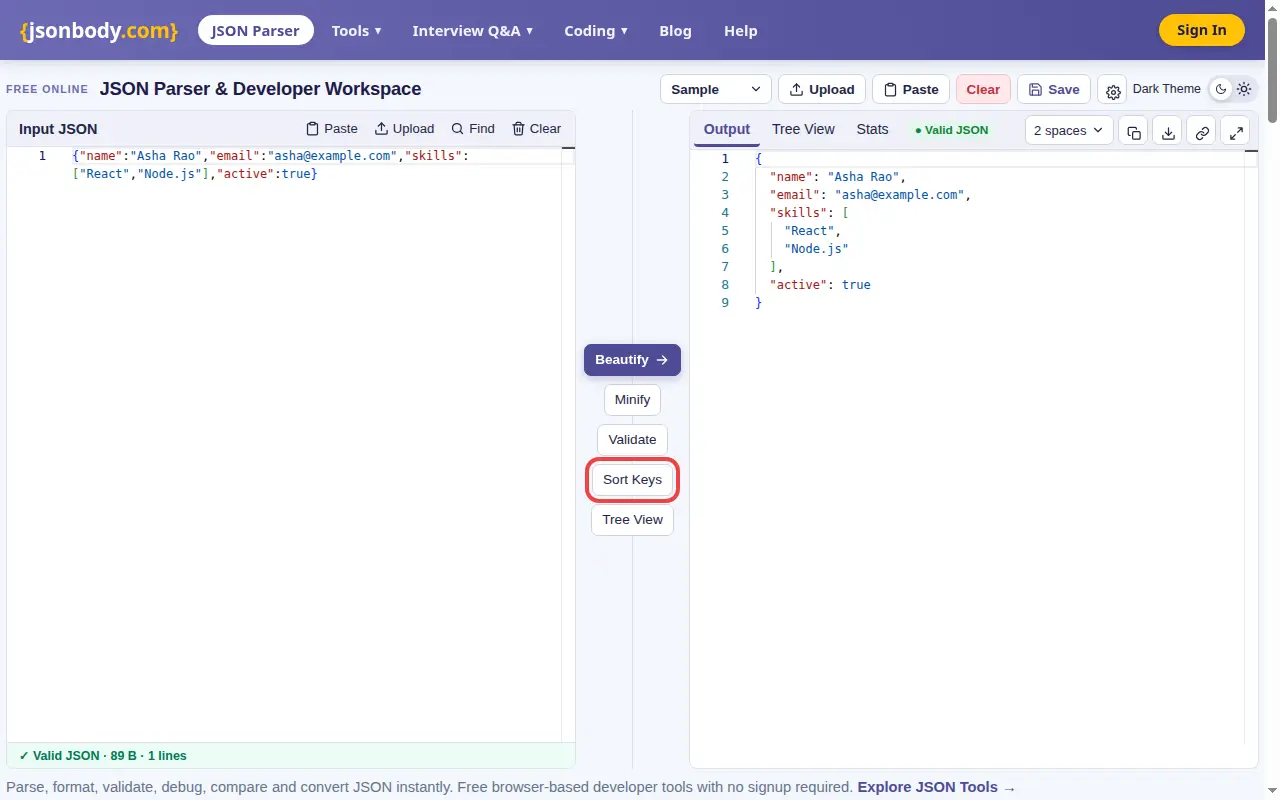
Click Sort Keys to order every object's keys alphabetically, which makes two versions easier to compare.
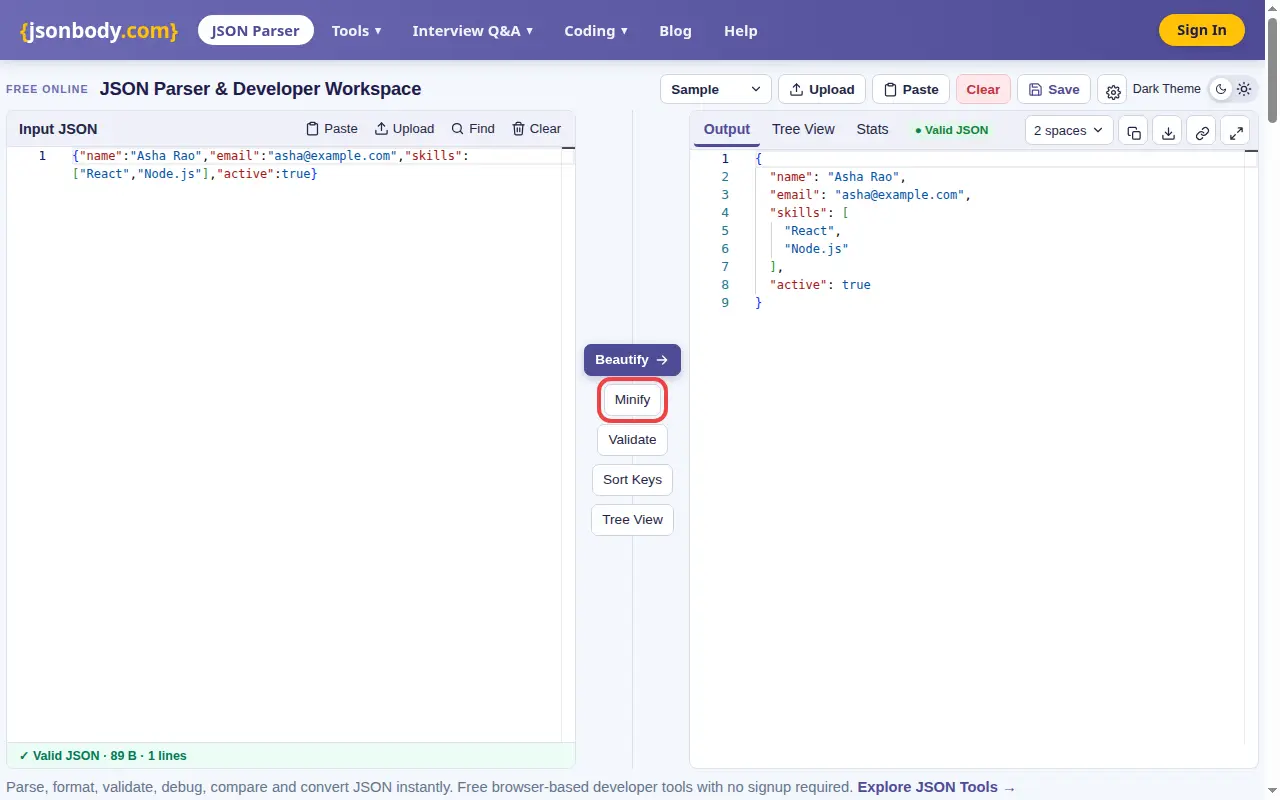
Click Minify to remove all whitespace and make the JSON as small as possible.
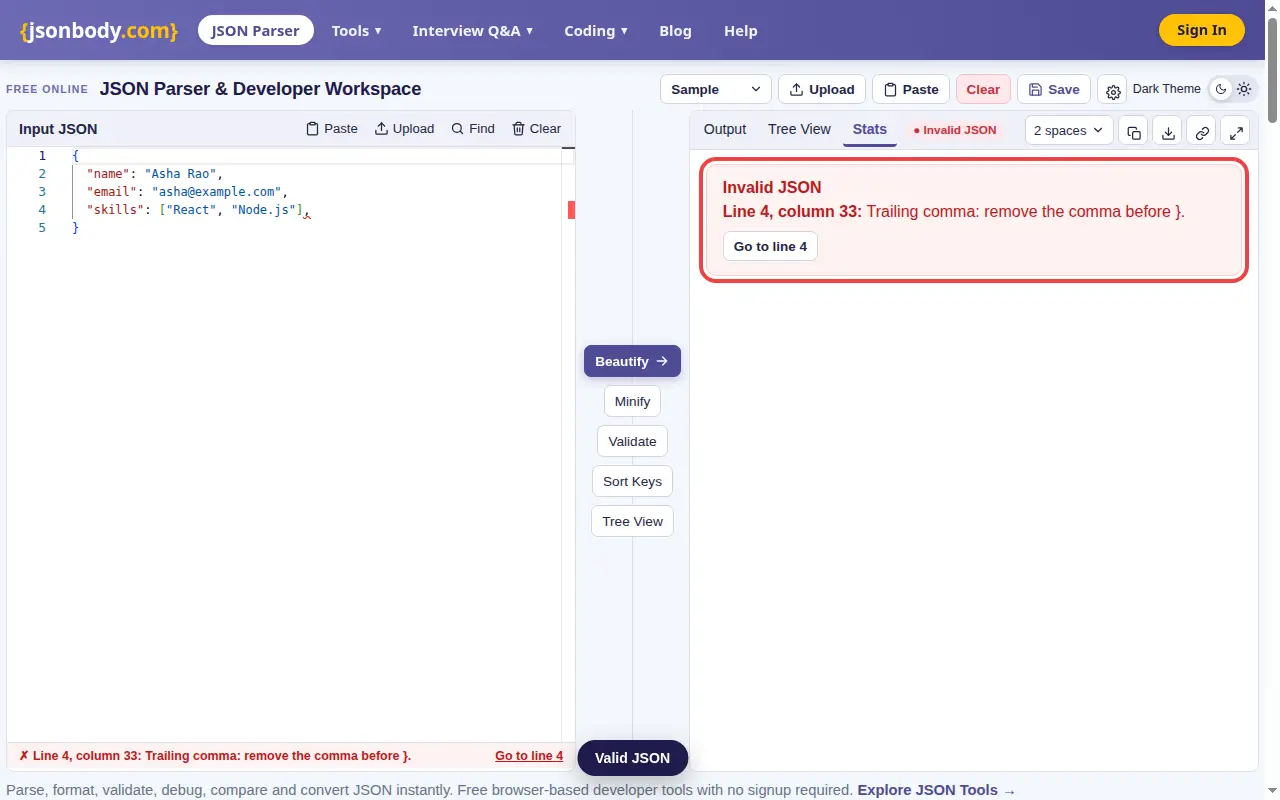
Click Validate. A green Valid JSON badge appears, and the Stats tab shows size, depth and key counts. Invalid JSON shows the line and column of the problem with a plain-English reason, and Go to line jumps to it. With Live validation on, this happens as you type.
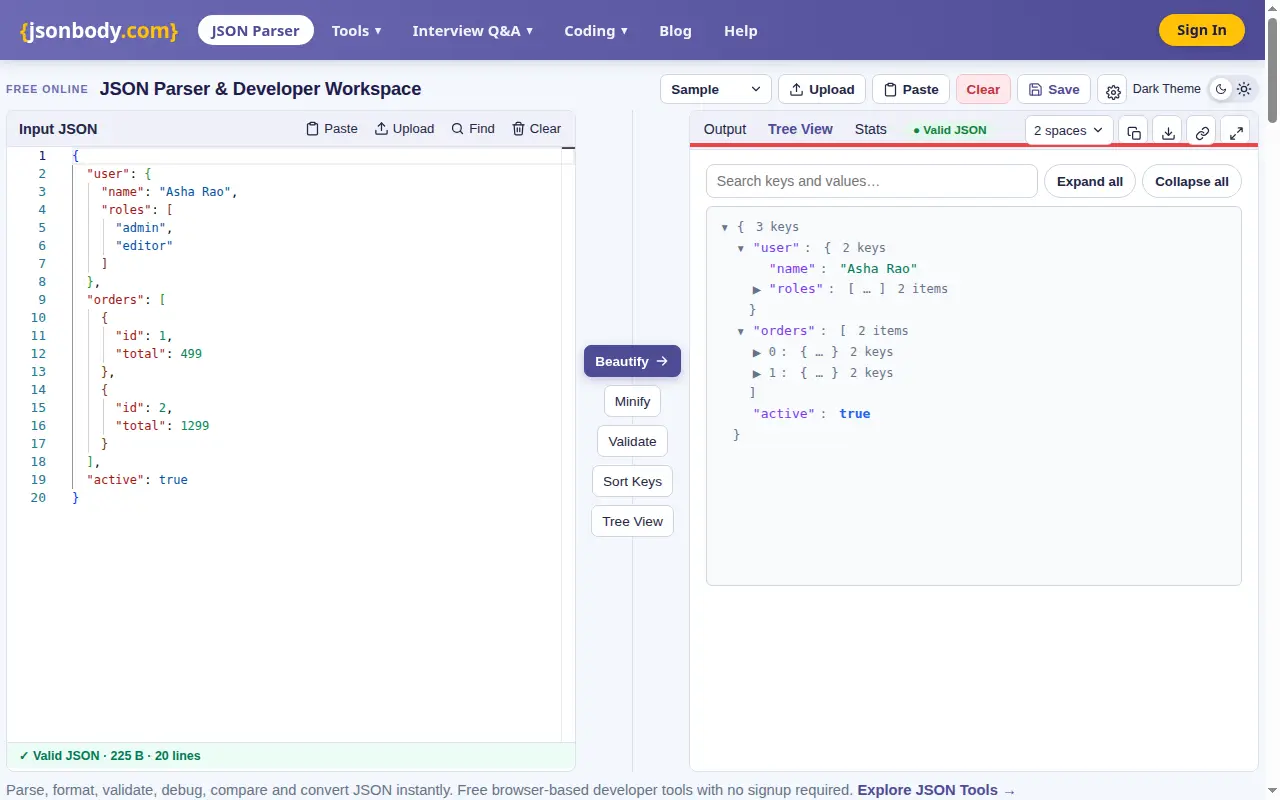
Click Tree View to explore the JSON as a collapsible tree. Search keys and values, and hover any value to copy its path.
Good to know
- Formatting runs in your browser. Your JSON is sent to jsonbody.com only when you save or share it.
- Find (with replace) is in the Input JSON header. Live validation and Word wrap are in the ⚙ settings menu, the Dark Theme switch is in the top bar, and the expand icon above the output opens fullscreen.