How to Use the JWT Debugger & Decoder
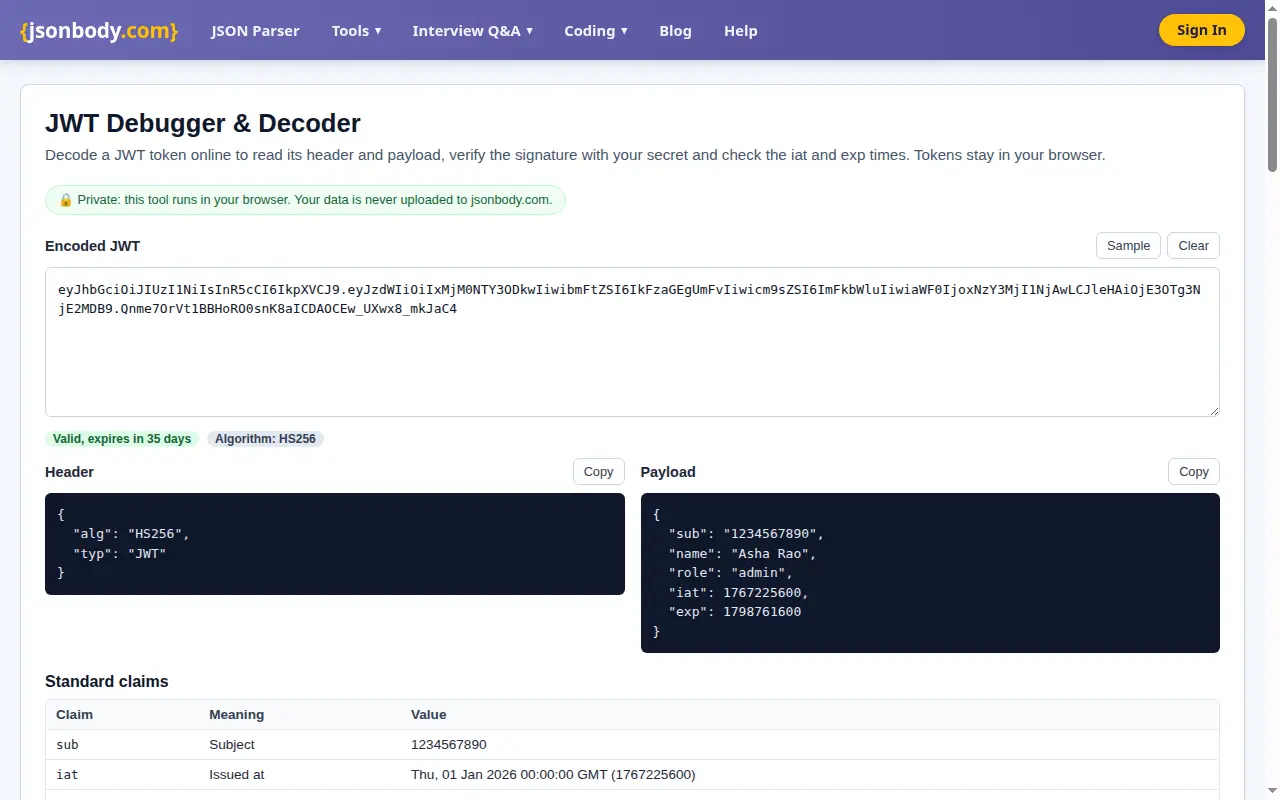
How to use the free JWT Debugger & Decoder, step by step with a screenshot: Paste the encoded JWT, or click Sample. Free and private.
Loading…
Open the JWT Debugger & Decoder
Steps
- Paste the encoded JWT, or click Sample.
- Read the decoded Header and Payload, with each standard claim explained.
- Check the expiry time shown for
exp. - Enter the signing secret and use Verify signature to check an HS256, HS384 or HS512 token.
Tips
- Tokens and secrets stay in your browser, but still avoid pasting live production secrets into any web tool.
- Need a test token? Use the JWT Generator.