How to Use the Diff Checker
How to use the free Diff Checker, step by step with a screenshot: Choose What to compare: text, JSON or code. Free and private.
Loading…
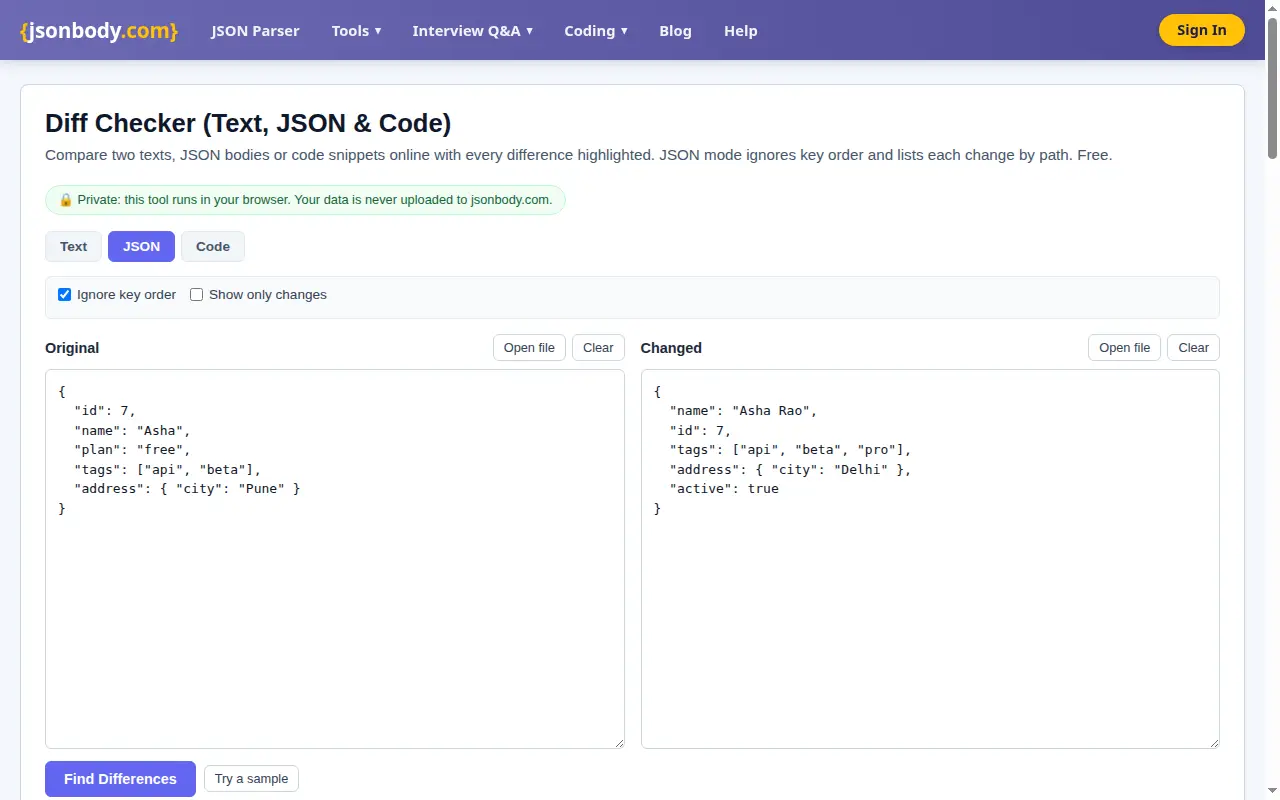
Steps
- Choose What to compare: text, JSON or code.
- Paste the Original and the changed version, or click Try a sample.
- Click Find Differences.
- Turn on Show only changes, Ignore whitespace, Ignore case or Ignore key order as needed.
Tips
- In JSON mode, every change is listed by its path, such as
user.address.city.